
Ubiquiti AV
Manage UniFi gateways and Pro / Pro Max switches via the UniFi Network controller — PoE, port profiles, VLANs, and Pro AV IGMP multicast tuning.
48 Tool Functions · 8 capabilities · 33 supported models
Capabilities
Everything Showcaller can do with Ubiquiti AV
Run UniFi Pro AV switches and the rest of your show network from the same seat. Showcaller AI works with the UniFi Network controller, by voice or chat. It manages UniFi Pro, Pro Max and Pro XG switches as well as UniFi gateways. So you can ask which port the stage camera is on, or how many watts it draws. You can also say "restart the frozen NDI encoder on port 14."
Badges show the plan a group of Tool Functions is included from. Higher plans include everything below them. Compare plans
How it works
How it works with Ubiquiti AV
For AV-over-IP, Showcaller applies UniFi Pro AV profiles (presets) to one port or several at once. Examples include NDI & Dante Audio, Dante, AES67, Q-SYS and SDVoE. It also turns on IGMP snooping, so multicast streams only reach the ports that asked for them. Then it can switch jumbo frames and flow control on or off.
Showcaller also manages VLAN networks and reusable port profiles. It names ports, turns them on or off and sets PoE mode. For diagnostics, it reads per-port traffic and error counters. It also reads device CPU, memory and temperature, and shows which switch port each client uses.
On a gateway, Showcaller reads internet, LAN, Wi-Fi and VPN health. It lists, toggles or edits firewall rules and port forwards. For example, it can open a path to a streaming encoder. You can learn more about this gear on the Ubiquiti site.
Some changes can take part of the network down. Examples are power-cycling a port, restarting or upgrading a device, and VLAN or profile changes. AV presets and firewall edits also count, so Showcaller confirms all of these with you first. Afterwards, Showcaller reads some changes back from the controller to confirm they landed. For others, it reports what the controller answered. You add each switch and gateway as its own connection. Then Showcaller reaches the controller through the Bridge App on your show network.
Tool Functions
Every Tool Function for Ubiquiti AV
Grouped by capability, with the plan each group is included from. Where the device reports its state, Showcaller reads the change back before calling it done.
Switch Discovery & StatusStarter9
See your entire UniFi backbone at a glance. Enumerate every adopted switch and gateway, read live link speeds and PoE draw per port, and reboot a wedged device the moment it stops passing NDI or Dante traffic — all from the Showcaller dashboard.
- Get controller infoReads the controller's UniFi Network version and name, to check the connection is healthy.
- Get deviceReads the full details of one switch or gateway, including its port table.
- Get PoE statusShows each port's power state, live power draw in watts and powered device class on a UniFi PoE switch.
- Get port statusShows each switch port's link, speed, on or off state, name and Pro AV mode, such as NDI & Dante Audio.
- List devicesLists the UniFi switches and gateways on a site with their model, MAC address, state and ports.
- List sitesLists every site the UniFi controller manages.
- LoginSigns in to the UniFi controller; Showcaller normally does this for you, so use it to test a new connection.
- LogoutEnds Showcaller's current session on the UniFi controller.
- Restart deviceRestarts a UniFi switch or gateway, taking everything behind it offline for a few minutes.
Port & PoE ControlPro6
Bring a frozen camera, access point, or AV-over-IP endpoint back to life without touching the rack. Power-cycle a single PoE port, flip its power mode, disable a misbehaving link, or drop a saved Pro AV profile onto a port in one command.
- Assign port profileApplies a saved port profile to a switch port.
- Power cycle PoE portRestarts the device on one PoE port, such as a camera or NDI encoder, by cutting its power and restoring it.
- Set port enabledTurns a switch port on or off while keeping the switch's other port settings.
- Set port nameGives a switch port a name while keeping the switch's other port settings.
- Set port overridesWrites all of a switch's per-port settings in one go, for changing several ports at once.
- Set port PoE modeSets a port on a UniFi PoE switch to automatic PoE, 24 V passive power, or off.
Pro AV OptimizationPro5
Tune your UniFi fabric for broadcast-grade multicast. Enable IGMP snooping and fast-leave to keep NDI, Dante, and AES67 streams off ports that never subscribed, and switch on jumbo frames for high-bitrate uncompressed video — the Pro AV posture, applied by voice.
- Enable IGMP snoopingTurns IGMP snooping on or off for a network, so multicast NDI, Dante and AES67 streams only reach the ports that asked for them.
- Set AV switch settingsTurns jumbo frames and flow control on or off for the switches on a site.
- Set IGMP fast leaveToggle IGMP fast-leave: a port stops a multicast group the moment it leaves, cutting AV-over-IP switch latency.
- Set port AV modeSets a switch port's Pro AV preset, such as NDI & Dante Audio, Dante, AES67, Q-SYS or SDVoE, or turns it off.
- Set ports AV modeSets the same Pro AV preset on several switch ports in a single change.
VLAN & Network ManagementEnterprise4
Segment Dante, NDI, and control traffic cleanly. Create and re-configure VLAN-backed networks on the UniFi gateway, adjust subnets and IGMP settings, and retire networks you no longer need — the logical foundation every AV-over-IP deployment depends on.
- Create networkCreates a VLAN network with a name and VLAN number, optionally with IGMP snooping on.
- Delete networkDeletes a network or VLAN, cutting off the devices and ports that use it.
- List networksLists every network and VLAN with its VLAN number, subnet, purpose and IGMP snooping state.
- Update networkChanges an existing network or VLAN, such as its subnet, DHCP or IGMP snooping settings.
Switch Port ProfilesEnterprise4
Standardize how AV ports are configured everywhere. Build reusable Pro AV port profiles that bundle a native network, tagged VLANs, and PoE mode, then apply them to any port on any UniFi switch for consistent, repeatable show setups.
- Create port profileCreates a reusable switch port profile with a native network, tagged networks and a PoE mode.
- Delete port profileDeletes a saved switch port profile.
- List port profilesLists the saved switch port profiles, each a reusable set of network and PoE settings.
- Update port profileChanges a saved switch port profile.
Switch AdministrationEnterprise5
Keep the backbone maintained between shows. Force a config re-provision, push a firmware upgrade, rename a device, or blink its locator LED to find it in a crowded rack — without opening the UniFi console.
- Force provisionMakes a UniFi device fetch and apply its configuration from the controller again.
- Get site settingsReads the site's settings, including switch options such as jumbo frames and flow control.
- Locate deviceStarts or stops flashing a UniFi device's locator light, to find it in the rack.
- Set device nameRenames a UniFi switch or gateway as shown in the controller.
- Upgrade deviceUpgrades a UniFi device to the latest firmware the controller holds, which may restart it.
Diagnostics & ClientsPro4
Troubleshoot from the dashboard. Pull CPU, memory, and temperature for any device, read per-port rx/tx and error counters to find a congested or erroring AV link, and see exactly which client sits on which switch port.
- Get clientReads the details of one connected device, including the switch port it is on.
- Get device statsReads a switch or gateway's CPU and memory load, temperature, uptime and uplink.
- Get port statisticsReads each switch port's traffic and error counters, to spot busy or faulty AV links.
- List clientsLists the devices connected to the network and which switch port each one is plugged into.
Gateway & FirewallEnterprise11
Command the edge of your production network. Read live WAN and VPN health on your UniFi gateway, toggle or remove firewall rules, and open or close port-forwards for streaming encoders — without leaving the Showcaller dashboard.
- Create port forwardCreates a port forwarding rule on the gateway, for example to reach a streaming encoder from outside.
- Delete firewall ruleDeletes one of the gateway's firewall rules, changing what traffic it lets through.
- Delete port forwardDeletes one of the gateway's port forwarding rules.
- Get site healthReads the health of the gateway's internet, LAN, Wi-Fi and VPN, including internet latency and public IP address.
- List firewall groupsLists the address and port groups the gateway's firewall rules refer to.
- List firewall rulesLists the gateway's firewall rules with their action and whether each one is on.
- List port forwardsLists the gateway's port forwarding rules with their external port, internal address and port, protocol and on or off state.
- List routesLists the static routes set up on the gateway.
- Set firewall rule enabledTurns one of the gateway's firewall rules on or off.
- Set port forward enabledTurns one of the gateway's port forwarding rules on or off.
- Update firewall ruleChanges one of the gateway's firewall rules.
Compatibility
Supported models
 UniFi Cloud Gateway FiberHardware · UniFi OS10G fiber UniFi gateway/controller with RJ45 + SFP+.
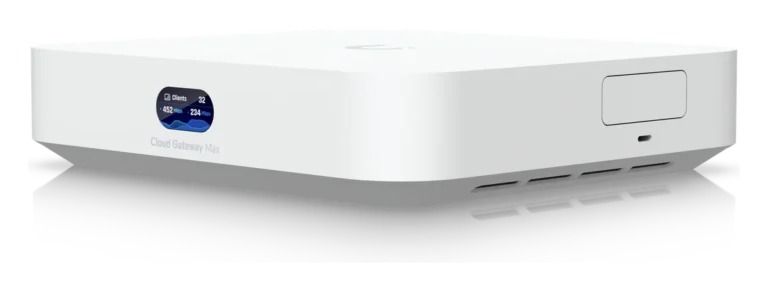
 UniFi Cloud Gateway MaxHardware · UniFi OSCompact 2.5 GbE UniFi gateway/controller with multi-WAN.
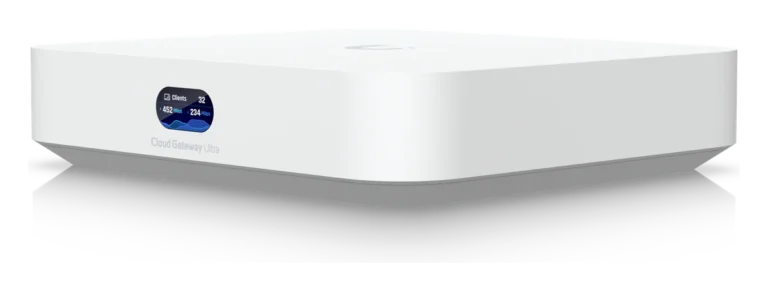
- UniFi Cloud Gateway UltraHardware · UniFi OSCompact fanless UniFi gateway/controller with 2.5G WAN.
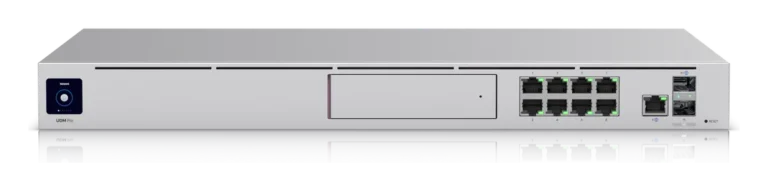
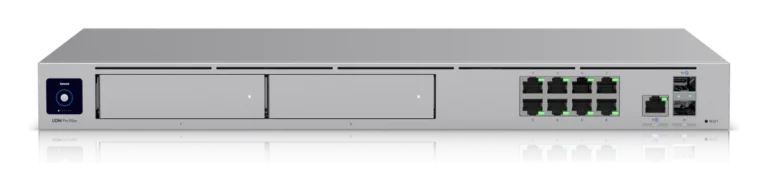
 UniFi Dream Machine ProHardware · UniFi OSRack-mount UniFi gateway/controller with 10G SFP+ WAN and IDS/IPS.
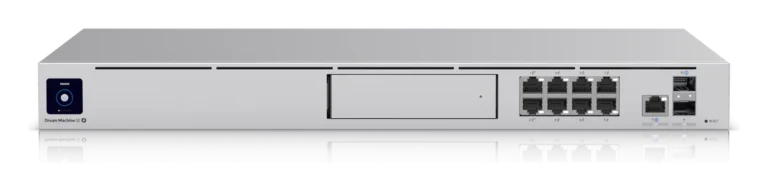
- UniFi Dream Machine Pro MaxHardware · UniFi OSHigh-capacity UniFi gateway/controller, 200+ devices, 5 Gbps IPS.
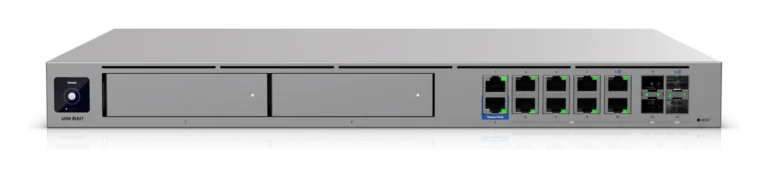
 UniFi Dream Machine Pro Max (Beast)Hardware · UniFi OSFlagship UniFi gateway/controller with 10GbE and 25G SFP28.
- UniFi Dream Machine SEHardware · UniFi OSAll-in-one UniFi gateway/controller with built-in PoE and NVR.
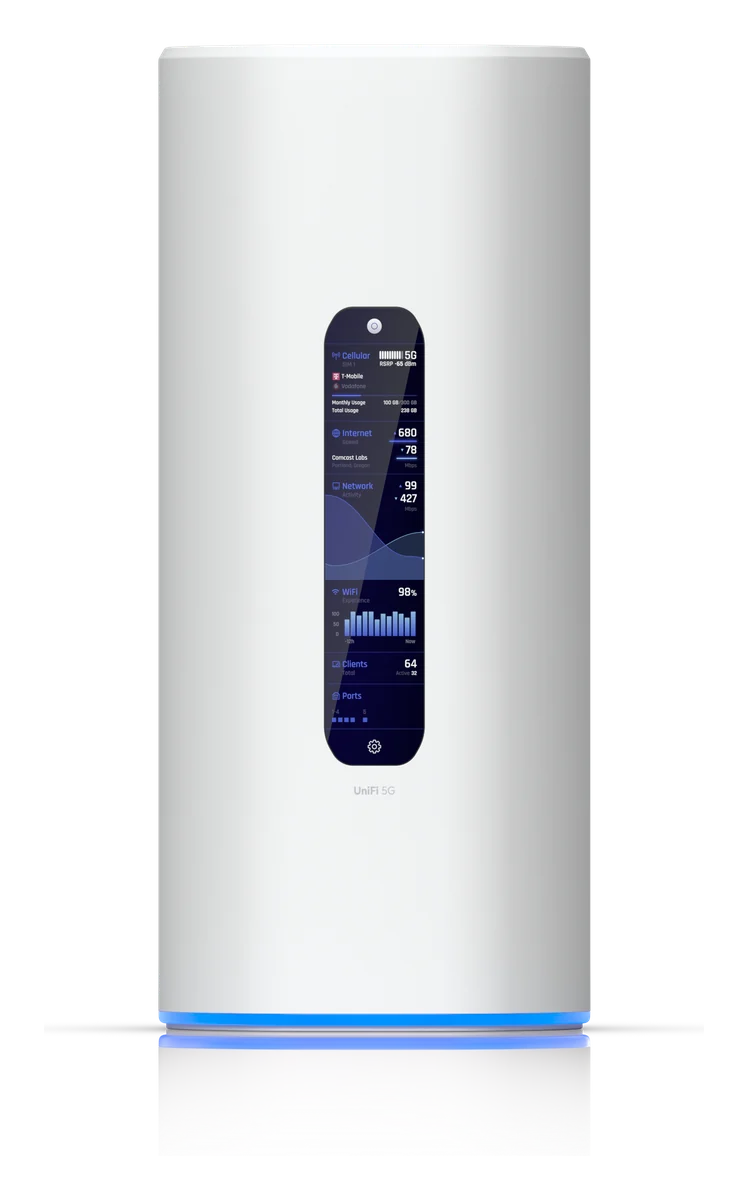
 UniFi Dream Router 5G MaxHardware · UniFi OSDesktop UniFi gateway/controller with 5G cellular and 10G SFP+.
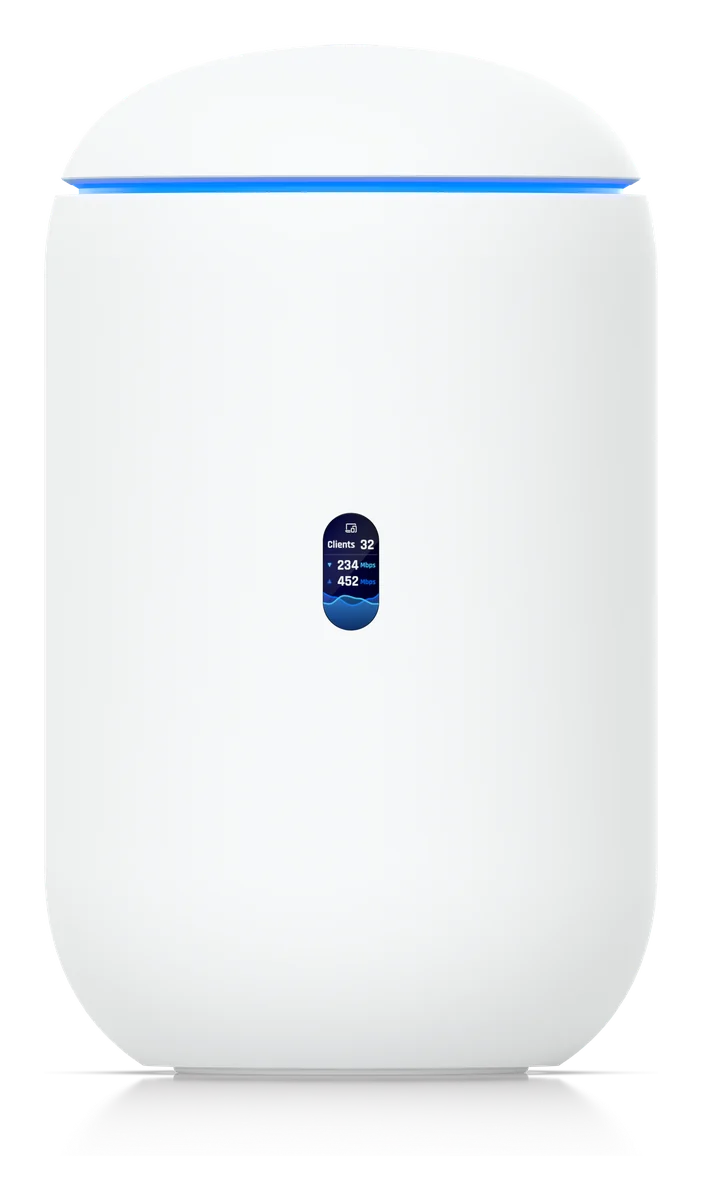
 UniFi Dream Router 7Hardware · UniFi OSDesktop UniFi gateway/controller with WiFi 7 and 10G WAN.
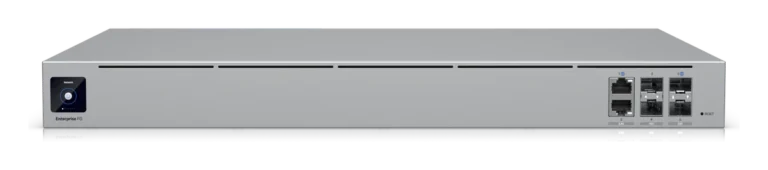
 UniFi Enterprise Fortress GatewayHardware · UniFi OSEnterprise UniFi gateway/controller with 2x 25G SFP28.
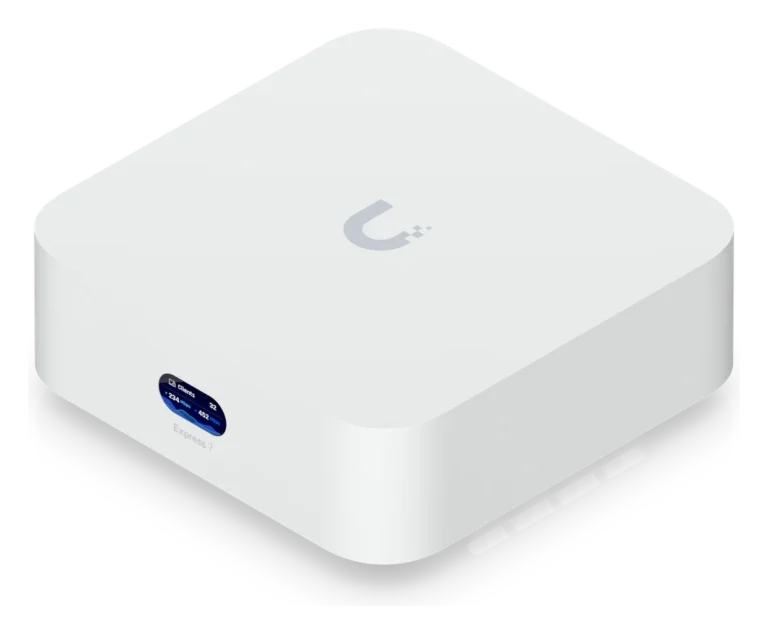
 UniFi Express 7Hardware · UniFi OSCompact UniFi gateway/controller with WiFi 7 and 10G WAN.
 UniFi Gateway UXG EnterpriseHardware · UniFi OSEnterprise UniFi gateway/controller with 25G SFP28.
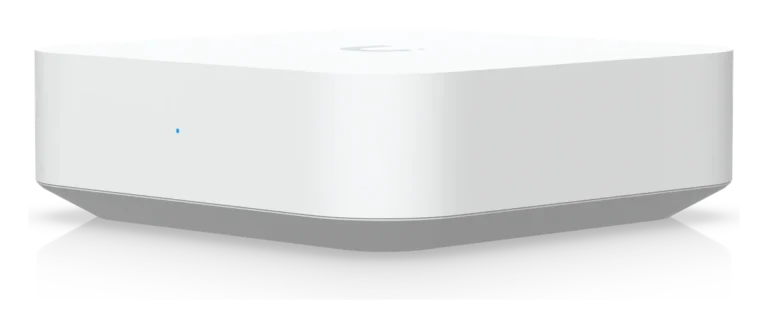
 UniFi Gateway UXG LiteHardware · UniFi OSCompact UniFi gateway/controller with gigabit WAN.
 UniFi Gateway UXG ProHardware · UniFi OSRack-mount UniFi gateway/controller with 10G SFP+ WAN.
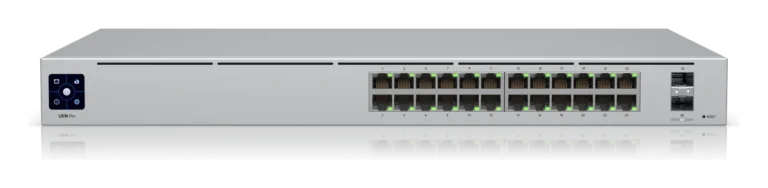
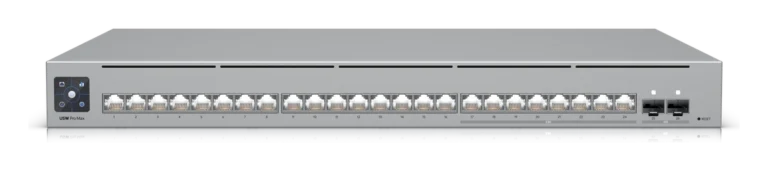
- UniFi Switch Pro 24Hardware · 1GbE24-port gigabit Layer 3 switch with 10G SFP+ uplinks.
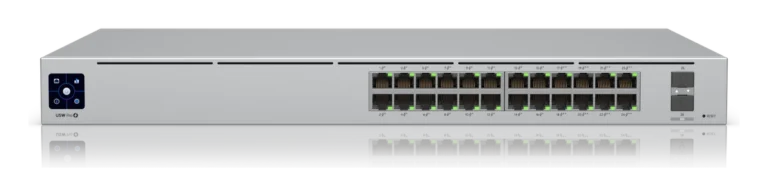
 UniFi Switch Pro 24 PoEHardware · 1GbE PoE+24-port gigabit PoE+ Layer 3 switch with 10G SFP+ uplinks.
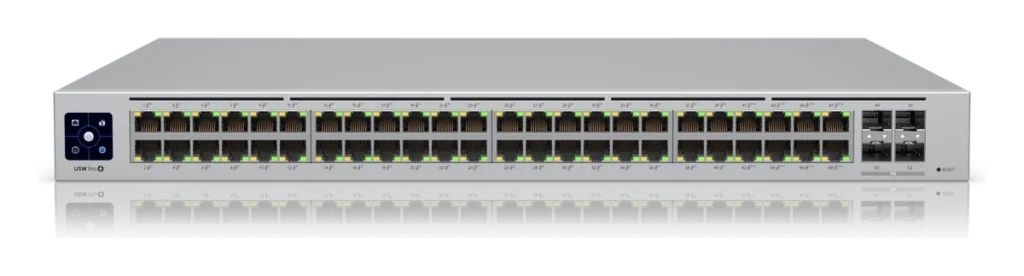
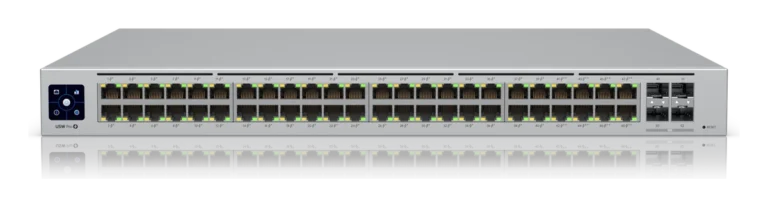
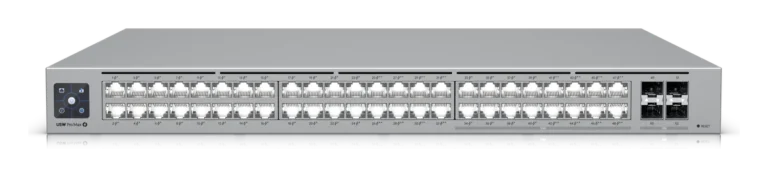
 UniFi Switch Pro 48Hardware · 1GbE48-port gigabit Layer 3 switch with 10G SFP+ uplinks.
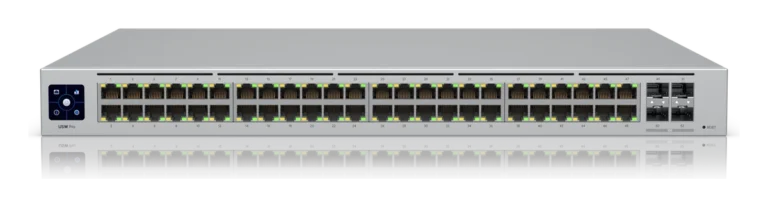
- UniFi Switch Pro 48 PoEHardware · 1GbE PoE+48-port gigabit PoE+ Layer 3 switch with 10G SFP+ uplinks.
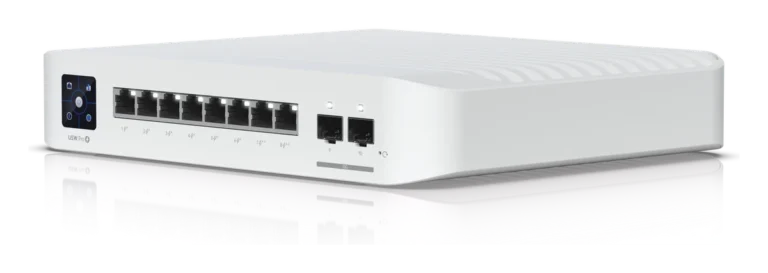
 UniFi Switch Pro 8 PoEHardware · 1GbE PoE+8-port gigabit PoE+ Layer 3 switch with 10G SFP+ uplinks.
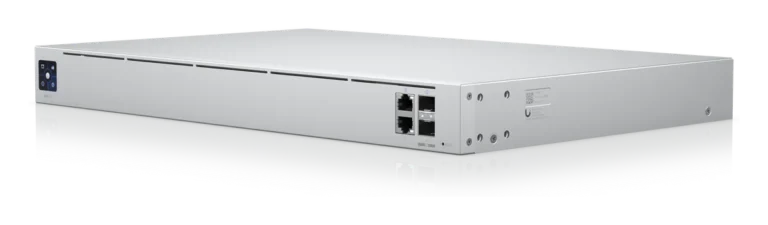
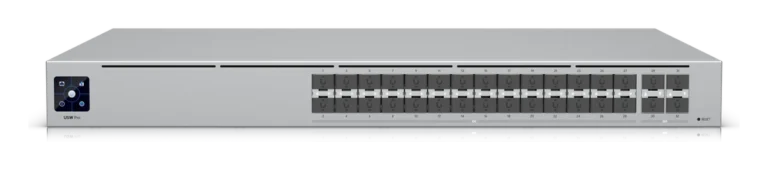
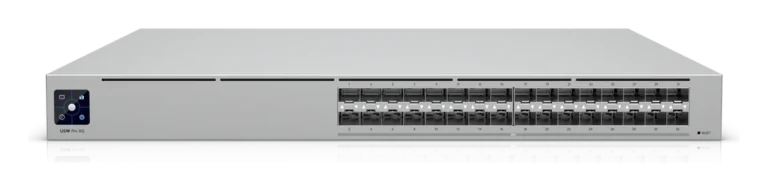
- UniFi Switch Pro AggregationHardware · 10G/25G SFPLayer 3 aggregation switch: 28x 10G SFP+ + 4x 25G SFP28.
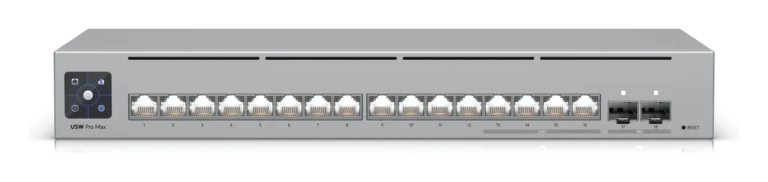
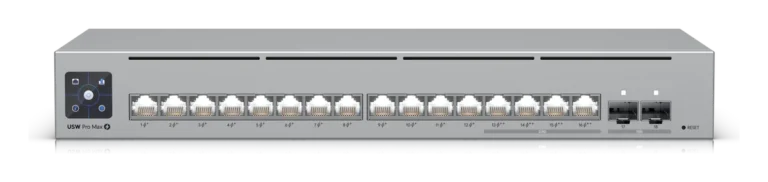
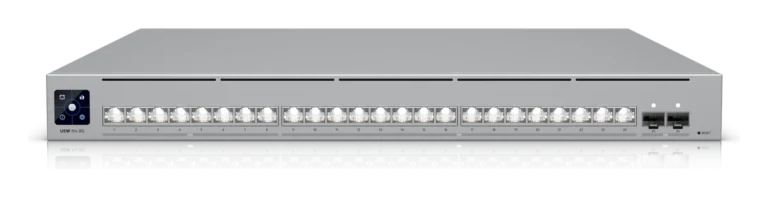
 UniFi Switch Pro Max 16Hardware · 2.5GbE16-port 2.5 GbE Layer 3 Etherlighting switch with 10G SFP+ uplinks.
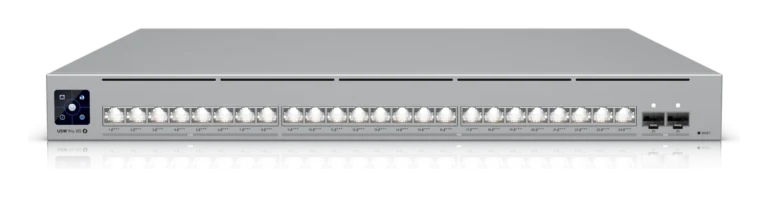
- UniFi Switch Pro Max 16 PoEHardware · 2.5GbE PoE++16-port 2.5 GbE PoE++ Layer 3 switch, 180W budget, 10G SFP+ uplinks.
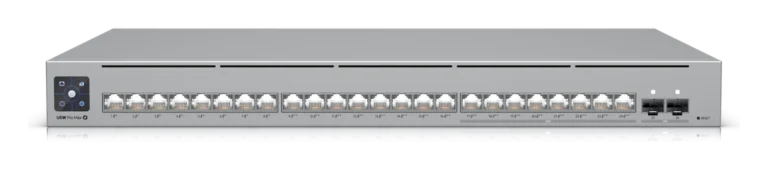
 UniFi Switch Pro Max 24Hardware · 2.5GbE24-port 2.5 GbE Layer 3 Etherlighting switch with 10G SFP+ uplinks.
- UniFi Switch Pro Max 24 PoEHardware · 2.5GbE PoE++24-port 2.5 GbE PoE++ Layer 3 switch, 400W budget, 10G SFP+ uplinks.
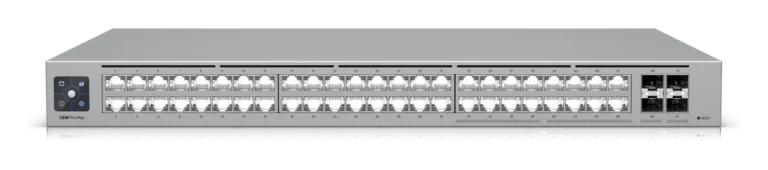
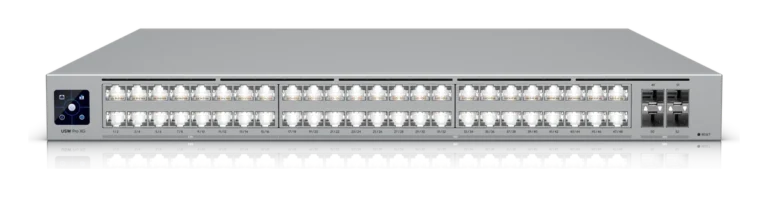
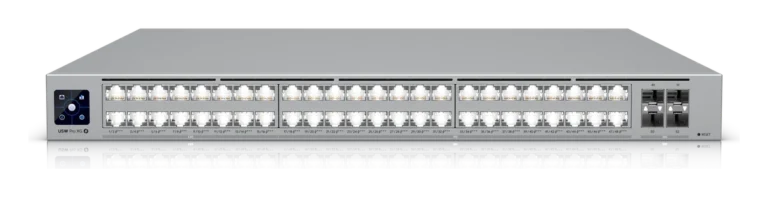
- UniFi Switch Pro Max 48Hardware · 2.5GbE48-port 2.5 GbE Layer 3 Etherlighting switch with 10G SFP+ uplinks.
 UniFi Switch Pro Max 48 PoEHardware · 2.5GbE PoE++48-port 2.5 GbE PoE++ Layer 3 switch with 10G SFP+ uplinks.
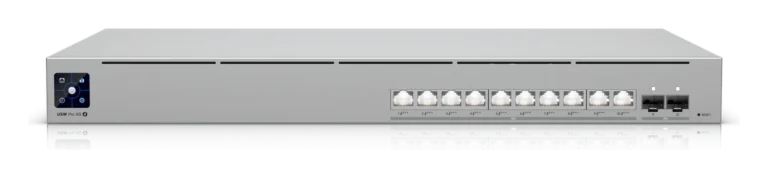
- UniFi Switch Pro XG 10 PoEHardware · 10GbE PoE++10-port 10 GbE PoE++ Layer 3 switch with SFP+ uplinks.
 UniFi Switch Pro XG 24Hardware · 10GbE24-port 10 GbE Layer 3 switch with 25G SFP28 uplinks.
- UniFi Switch Pro XG 24 PoEHardware · 10GbE PoE++24-port 10 GbE PoE++ Layer 3 switch with 25G SFP28 uplinks.
- UniFi Switch Pro XG 48Hardware · 10GbE48-port 10 GbE Layer 3 switch with 25G SFP28 uplinks.
- UniFi Switch Pro XG 48 PoEHardware · 10GbE PoE++48-port 10 GbE PoE++ Layer 3 switch with 25G SFP28 uplinks.
 UniFi Switch Pro XG 8 PoEHardware · 10GbE PoE++8-port 10 GbE PoE++ Layer 3 switch with 10G SFP+ uplinks.
- UniFi Switch Pro XG AggregationHardware · 25G SFP28High-density 25G SFP28 Layer 3 aggregation switch.



FAQ
Questions about UniFi Pro AV with Showcaller
Which UniFi devices are supported?
Showcaller supports UniFi Switch Pro, Pro Max and Pro XG models, including PoE and Aggregation versions. On the gateway side, it supports the Dream Machine Pro, Pro Max and SE. It also supports the Dream Router 7 and 5G Max, plus the Express 7. Then come the Cloud Gateway Ultra, Max and Fiber, and the UXG Lite, Pro and Enterprise. The list also includes the Enterprise Fortress Gateway. Port and PoE functions apply to switches, while gateway and firewall functions apply to gateways. PoE functions only apply to PoE models.
What do I need to connect?
You need the IP address and port of your UniFi Network controller. The port is 443 on a UniFi OS console, such as a Dream Machine or Cloud Gateway. It is 11443 on the UniFi OS Server desktop app, and 8443 on the older self-hosted Network application. You also need a local admin account on the controller with two-factor authentication off. Ubiquiti cloud or SSO accounts do not work. Finally, the Showcaller Bridge App must run on a computer that can reach the controller.
Which plan includes which Tool Functions?
Starter includes Switch Discovery & Status (9 Tool Functions). Pro adds Port & PoE Control, Pro AV Optimization, and Diagnostics & Clients (15 more). Enterprise adds VLAN & Network Management, Switch Port Profiles, Switch Administration, and Gateway & Firewall (24 more). Each plan includes every Tool Function of the plans below it. You can compare the plans on the pricing page.
Why do I need a separate local admin account?
The Bridge App signs in with a username and password, but it cannot answer a two-factor code. So create a local-only admin in the UniFi console with two-factor turned off. Then use that account for Showcaller.
Do I connect to each switch directly?
No. Showcaller talks to the UniFi Network controller that manages your switches and gateways. It uses the controller's IP address, not the address of each switch. However, you still add each switch you want to control as its own connection in Showcaller.