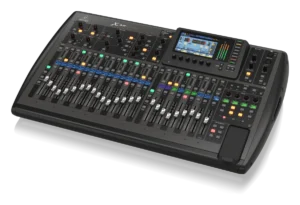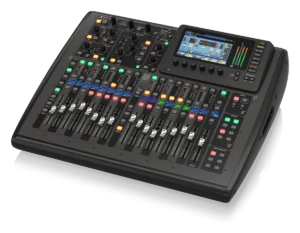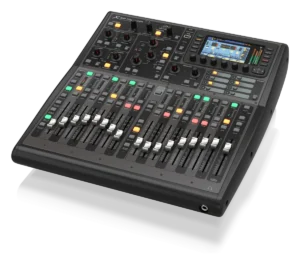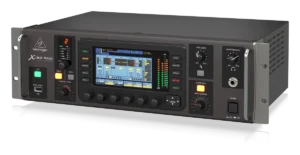
Midas M32
Showcaller AI runs the Midas M32 by voice or chat, over its rear-panel Ethernet port. It reaches from the 32 Midas PRO preamps through channel processing and mix buses to DCAs and scenes.
Overview
The Midas M32 with Showcaller
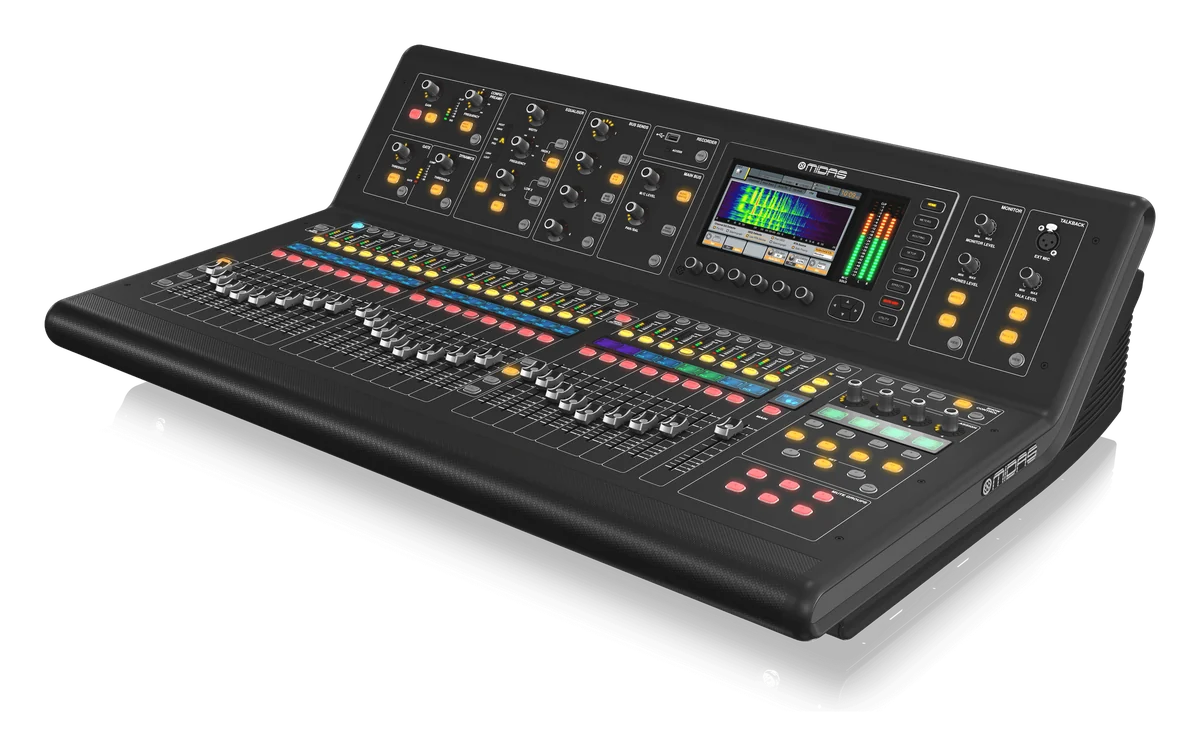
The Midas M32 is a 40-input, 25-bus live and studio console. At its core are 32 Midas PRO Series microphone preamplifiers, Midas PRO motorized faders and a 7-inch day-viewable screen. Two AES50 ports (Klark Teknik SuperMAC) link to stage boxes such as the DL16. They carry up to 96 inputs and 96 outputs. The pre-installed DN32-USB card records and plays back up to 32 tracks. Midas now lists the original M32 as a legacy product. Still, it remains in service at front of house and monitor positions, in venues and rental inventories.
How Showcaller connects to the Midas M32
The M32 shares its remote control protocol with the Behringer X32. So Showcaller treats it as part of the same family, on the Behringer X32 and Midas M32 integration. Showcaller connects through the console’s rear-panel Ethernet port, using OSC on port 10023. It goes via the Showcaller Bridge App on the show network. The operator asks by voice or in chat, for example give me 3 dB more gain on input 7. They can also ask turn on phantom for channels 15 and 16 or mute the band DCA. Showcaller then calls the matching Tool Function on the console.
Midas PRO preamps from the stage
On an M32, the preamps are the point. The Pro plan’s Preamps & Input Tool Functions work on each of the console’s 32 local Midas PRO preamps. They read and set gain and 48V phantom power, flip polarity and set the high-pass filter. This lets you adjust gain staging from the stage while someone listens on a wedge. Channel EQ and gate and compressor settings are on Pro as well. Showcaller confirms phantom power changes with the operator before sending them, because switching 48V on a live input can be loud.
Tool Functions by plan
For running the show, Starter covers channel faders, mutes and names on channels 1 to 32. It also covers the main stereo output and the 16 mix buses, with each channel’s send to them. Pro adds the eight DCA groups. Enterprise adds the four send effects, FX and aux return levels, and scribble-strip colors. It also adds scenes 0 to 99, which line up with the M32’s 100 scenes. Showcaller confirms a scene recall or save first, because it changes or overwrites the whole console. For full specs, see the Midas M32 product page.
What you can do
Run the Midas M32 by voice or chat
Midas PRO preamps from anywhere
Read and set gain and 48V phantom power on the M32's 32 local preamps. Flip polarity and set the high-pass filter from 20 to 400 Hz (Pro). Phantom changes are confirmed first.
Monitor mixes on 16 buses
Ride and mute bus masters and set each channel's send to buses 1-16 for wedges and in-ears (Starter).
Eight DCA groups
Assign channels to DCAs such as Presenters or Band. Then ride, mute and name them (Pro).
Channel processing
Switch the four-band EQ in or out and set any band. Set a channel's gate and compressor (Pro).
Scenes 0 to 99
Recall or save scenes by the console's own numbering, with confirmation before anything is sent (Enterprise).
Specifications
Midas M32 at a glance
Mixing
- Input processing channels
- 32 input channels, 8 aux channels, 8 FX return channels
- Mix buses
- 25 (16 aux buses, 6 matrices, main LRC)
- DCA groups
- 8
- Effects engines
- 8 true-stereo, studio-grade effects engines
- Scenes / show automation
- 100 total-recall scenes; 500 cues / 100 snippets
I/O
- Mic preamps
- 32 Midas PRO Series (XLR)
- XLR outputs
- 16
- AES50
- 2 ports (Klark Teknik SuperMAC), up to 96 inputs and 96 outputs
- Expansion card
- DN32-USB pre-installed, 32 x 32 channels over USB 2.0
Control & network
- Faders
- Midas PRO motorised faders rated for 1 million life cycles
- Main screen
- 7" TFT LCD, 800 x 480, 262k colours
- Remote control ports
- Ethernet RJ45 (rear panel); USB Type B (rear panel)
- Manufacturer remote apps
- M32-Edit (PC, Mac, Linux), M32 MIX (iPad), M32-Q (iPhone, Android)
Physical
- Dimensions
- 891 x 612 x 256 mm (35.1 x 24.1 x 10.1")
- Weight / power
- 25 kg (55 lbs) / 120 W
From Midas
- Product pageOfficial product page and full specificationsmidasconsoles.com (opens Midas’s site in a new tab)
- Support and downloadsFirmware, software and manualsmidasconsoles.com (opens Midas’s site in a new tab)
- DatasheetPDF from the manufacturercdn-media.empowertribe.com (opens Midas’s site in a new tab)
Specifications from the manufacturer. Check the product page for the current details.
Connection
Connecting the Midas M32
- Control protocol
- OSC over the network, through the Showcaller Bridge App running on a computer on the same network as the console
- Port
- 10023 (the default). Only change it if your console has been set up to use a different port.
- Console connection
- Rear-panel Ethernet (RJ45) port of the Midas M32, on the same network as the Bridge App computer
- What Showcaller asks for
- The console's IP address on the show network and the model (Midas M32)
- Model family in Showcaller
- X32 (shared by X32, X32 Compact, X32 Producer, X32 Rack and Midas M32)
- Connection check
- The Get mixer info Tool Function sends the console an information request and reports whether it answered
Tool Functions
Everything Showcaller can do with Behringer X32 / Midas M32
The Midas M32 uses the Behringer X32 / Midas M32 integration. Each group shows the plan it is included from.
FAQ
Questions about the Midas M32
Can Showcaller set preamp gain and phantom power on the Midas M32?
Yes, on the Pro plan, for the console's own 32 preamps. Showcaller can read and set gain in dB and switch 48V phantom power per preamp. It asks you to confirm before switching phantom power.
Is the Midas M32 handled differently from the Behringer X32?
No. Both use the same remote control protocol and the same set of Tool Functions. You pick Midas M32 as the model when you connect.
Can Showcaller recall scenes on the M32?
Yes, on the Enterprise plan: recall a scene 0-99 or save the current state as a named scene. Both are confirmed with you first.
Which Showcaller plan do I need?
Starter (14 Tool Functions) covers diagnostics, the main stereo output and the mix buses. It also covers channel faders, mutes and names. Pro adds 17 more Tool Functions. They cover DCA groups and channel EQ, preamps and input, and gates and compressors. Enterprise adds FX and advanced routing and scene management (7 more). Each plan includes the Tool Functions of the plans below it.
Does Showcaller read gate settings back?
No. Showcaller can set a channel's gate. But the Get channel dynamics state Tool Function only reports whether the compressor is on. The gate state is not read.
Same integration
Other Behringer X32 / Midas M32 models
 Behringer X32Model page
 Behringer X32 CompactModel page
 Behringer X32 ProducerModel page
 Behringer X32 RackModel page