
Blackmagic ATEM
Deep UDP integration for Blackmagic ATEM Production Switchers. Manage ME transitions, auxiliary routing, DS Keyers, and macro execution.
44 Tool Functions · 9 capabilities · 4 supported models
Capabilities
Everything Showcaller can do with Blackmagic ATEM
Showcaller AI gives you ATEM remote control by voice or chat. The director calls the shot, and Showcaller presses the buttons. For example, it puts camera 3 on Preview and takes it with an Auto transition. It cuts to the laptop or sends Program to the aux that feeds the confidence monitor. It can also bring the lower third on with the downstream keyer. Or it runs the macro your team recorded for the opening.
Badges show the plan a group of Tool Functions is included from. Higher plans include everything below them. Compare plans
How it works
How it works with Blackmagic ATEM
Showcaller connects to the switcher over your local network through the Bridge App. The ATEM needs no login. First, Showcaller reads the switcher's own topology. That means how many M/Es, aux outputs, keyers, DVEs and Super Sources it has. It also lists your inputs by the names your team gave them. So you can say Camera 3 or Laptop instead of an input number.
After a change, Showcaller reads the switcher's state back. It only reports success when the ATEM agrees. Showcaller checks which input is on Program and Preview and whether a keyer is on air. It also checks what an aux shows and whether recording or streaming is running. If the switcher does not agree, you hear about it straight away.
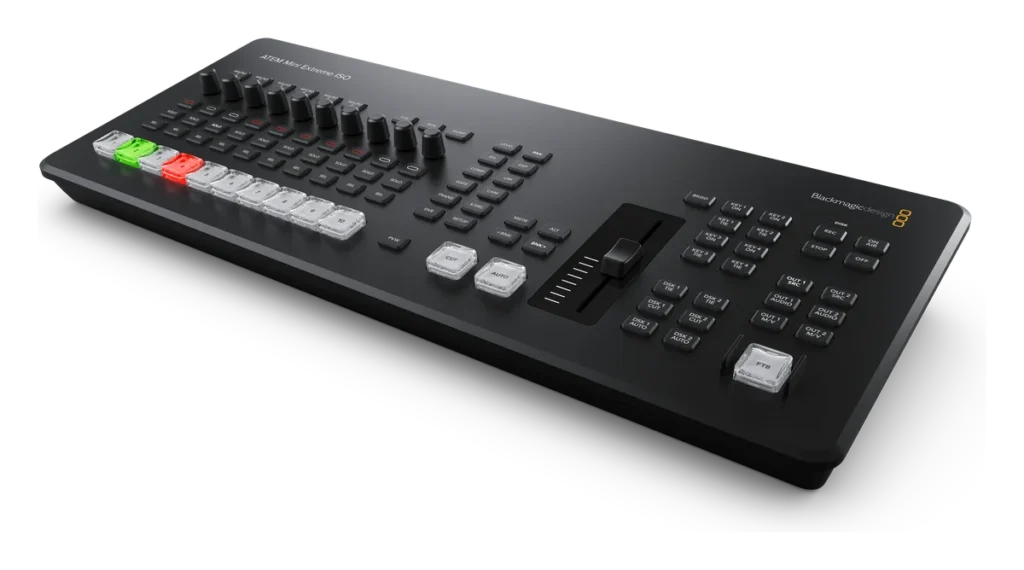
Showcaller supports these model families on switcher firmware 9.x: the ATEM Mini Series and ATEM Mini Extreme Series. It also supports the ATEM SDI Series and ATEM Constellation / Television Studio. Audio control covers the classic audio mixer, for example on Television Studio HD. It also covers Fairlight audio, depending on the model. You can read about the ATEM Mini range on the Blackmagic Design site.
Tool Functions
Every Tool Function for Blackmagic ATEM
Grouped by capability, with the plan each group is included from. Where the device reports its state, Showcaller reads the change back before calling it done.
Device DiagnosticsStarter3
Ensure total reliability before you go live. Fetch instantaneous connection health and overall switcher status without taking your eyes off the production environment.
- Get statusCheck connectivity to the ATEM switcher and read which inputs are currently live on PROGRAM and cued on PREVIEW.
- Get topologyReport what this switcher model actually has: how many Mix Effect blocks, aux buses, downstream keyers, stingers, DVEs and Super Sources.
- List inputsList every video source on this switcher with its ID and the name the operator gave it (for example 3 = "Camera 3", 6 = "Laptop").
Core SwitchingStarter6
The heart of your live stream. Execute clean cuts, smooth auto-transitions, and manage exact program/preview assignments reliably across all your camera inputs.
- Auto transitionRun an AUTO transition on a Mix Effect in its current style (Mix, Dip, Wipe, Stinger or DVE), taking what is on Preview to air.
- Cut directPerform a hard (instantaneous) CUT transition on the specified Mix Effect block, swapping Program and Preview immediately.
- Fade to blackToggle Fade To Black (FTB) on the specified Mix Effect block: it fades to black, or back up when already black.
- Preview and autoPut a source on Preview and take it to air with an AUTO transition, in one step.
- Set preview inputCue a specific video input on the PREVIEW bus (does not go live).
- Set program inputForce a specific video source directly to the PROGRAM (live) bus, bypassing any transition.
Transition ControlStarter3
Define how your show looks seamlessly. Read or assign the transition style—Mix, Dip, Wipe, or DVE—before executing the Auto transition. Let Showcaller pre-configure the M/E block while the director focuses on calling camera readies.
- Get transition stateRead the current transition settings for the Mix Effect block: style, rate, and position.
- Set transition rateSet how many frames the AUTO transition takes in its current style (Mix, Dip, Wipe or DVE); at 25fps, 25 frames is one second.
- Set transition styleSet the transition style for the Mix Effect block.
Routing & KeyersPro10
Take control of your auxiliary screens and graphics. Define exactly what feed plays out to confidence monitors (AUX) and bring up lower-thirds smoothly using Upstream (USK) and Downstream (DSK) Keyers.
- Auto DSKToggle a Downstream Keyer on or off air with a fade at its own mix rate.
- Get AUX sourceRead what video source is currently routed to an AUX output.
- Get DSK stateRead whether a Downstream Keyer is currently ON AIR, plus its tie state, transition rate and its fill and key sources.
- Get FTB stateRead whether the given Mix Effect block is currently faded to black, and whether a fade is in progress.
- Get USK stateRead whether an Upstream Keyer is currently ON AIR on the given Mix Effect block, plus its fill and key sources.
- Set AUX sourceRoute a specific video source to an auxiliary (AUX) output.
- Set DSK on airTurn a Downstream Keyer on or off air, as a cut with no fade.
- Set DSK sourcesSet the fill (graphic) and key (matte/alpha) video sources for a Downstream Keyer.
- Set USK on airTurn an Upstream Keyer on a Mix Effect on or off air.
- Set USK sourcesSet the fill and key sources for an Upstream Keyer on the ME bus.
Macro ControlPro3
Combine complex command sequences into a single AI request. List and blindly fire pre-programmed macros stored on the switcher, automating long stingers or scene changes instantly.
- List macrosList the macros recorded on the switcher with their names and slot numbers, and whether one is running now.
- Run macroRun a macro recorded on the switcher by its slot number; an empty slot is not run.
- Stop macroStop the macro that is currently running on the switcher.
Recording & StreamingPro5
Archive and broadcast with confidence. Start encoder streams or direct ISO recording remotely, and continuously monitor session length and dropouts directly through Showcaller.
- Get recording statusRead whether the switcher is recording or streaming, and any disk or encoder error, on switchers with a recorder or streaming encoder.
- Start recordingStart the switcher's built-in recorder, on switchers that have one.
- Start streamingStart the switcher's built-in live stream, on switchers with a streaming encoder.
- Stop recordingStop the switcher's built-in recorder, on switchers that have one.
- Stop streamingStop the switcher's built-in live stream, on switchers with a streaming encoder.
Audio MixerPro3
Balance your show effortlessly. Raise or lower AFV (Audio Follows Video) flags, adjust main bus volumes, and tweak specific camera mic levels without navigating complex hardware menus.
- Get audio stateRead the master level plus the level and mix setting of audio inputs 1 to 8. Only on switchers with the classic audio mixer, such as Television Studio HD; not on Fairlight models.
- Set audio inputSet one audio input's level and whether it is on, off or following video. Only on switchers with the classic audio mixer, such as Television Studio HD; not on Fairlight models.
- Set audio master outputSet the master audio output level. Only on switchers with the classic audio mixer, such as Television Studio HD; not on Fairlight models.
Super SourceEnterprise3
Build beautiful dynamic layouts instantly. Command Showcaller to load 4-box picture-in-picture arrays, reposition live guests on screen, and assign specific inputs to PiP boxes mid-show.
- Get supersource stateRead each Super Source box's video source, position, size and whether it is shown. Not available on ATEM Mini Series or Television Studio HD.
- Set supersource boxSet one Super Source box's video source, position and size, and show or hide it. Not available on ATEM Mini Series or Television Studio HD.
- Set supersource layoutArrange the four Super Source boxes in one of seven preset layouts, such as side by side, quad, a corner inset or full frame. Not available on ATEM Mini Series or Television Studio HD.
Fairlight AudioEnterprise8
Sweeten your sound securely. Dig into deep 6-band parametric EQs or toggle dynamic compressors across critical inputs to fix poor room acoustics on the fly.
- Get Fairlight EQ stateRead a Fairlight audio input's EQ bands, compressor, limiter and gate, plus the master bus EQ and compressor. Not available on Television Studio HD or other switchers with the classic audio mixer.
- Set Fairlight compressorConfigure the Fairlight compressor on an audio input channel. Not available on Television Studio HD or other switchers with the classic audio mixer.
- Set Fairlight EQConfigure a parametric EQ band on a Fairlight audio input channel. Not available on Television Studio HD or other switchers with the classic audio mixer.
- Set Fairlight gateConfigure the Fairlight noise gate on an audio input channel. Not available on Television Studio HD or other switchers with the classic audio mixer.
- Set Fairlight limiterConfigure the Fairlight limiter on an audio input channel. Not available on Television Studio HD or other switchers with the classic audio mixer.
- Set Fairlight makeup gainSet the makeup gain (post-dynamics boost) for a Fairlight input channel. Not available on Television Studio HD or other switchers with the classic audio mixer.
- Set Fairlight master compressorConfigure the compressor on the Fairlight master output bus. Not available on Television Studio HD or other switchers with the classic audio mixer.
- Set Fairlight master EQConfigure a parametric EQ band on the Fairlight master output bus. Not available on Television Studio HD or other switchers with the classic audio mixer.
Compatibility
Supported models
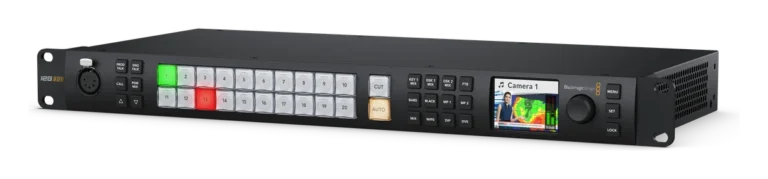
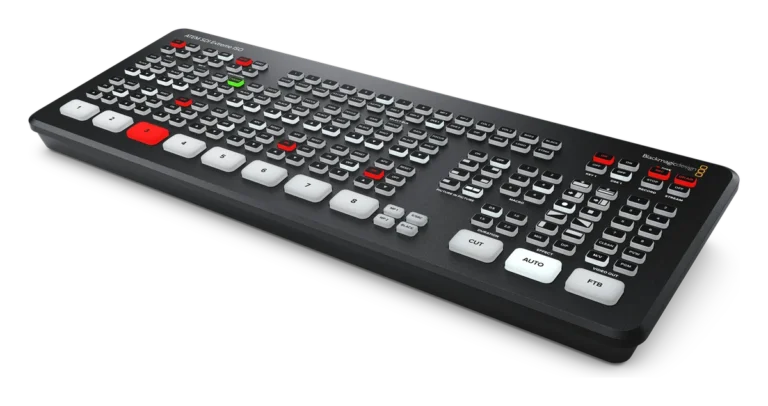
 ATEM Constellation / TV StudioHardware · v9.xTake granular command of high-density 12G-SDI multi-M/E enterprise switchers.
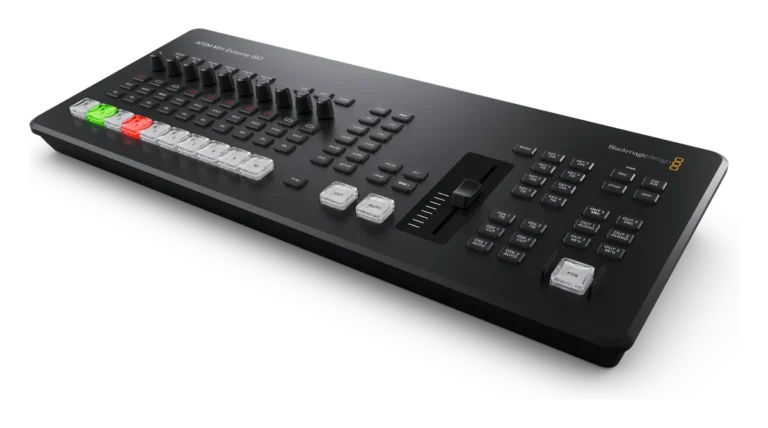
 ATEM Mini Extreme SeriesHardware · v9.xOrchestrate advanced eight-input switchers with direct SuperSource and streaming control.
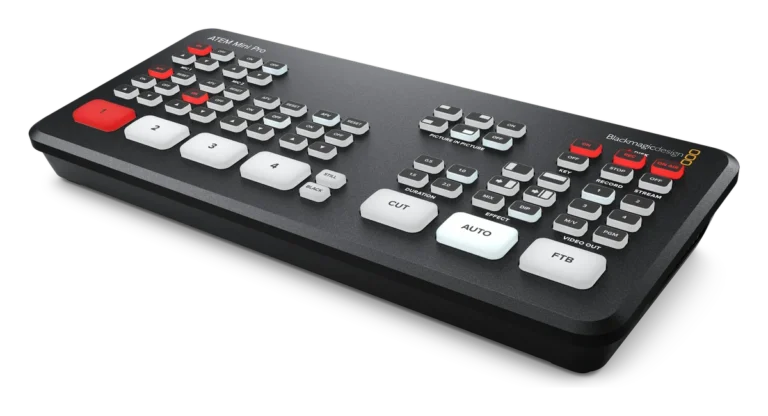
 ATEM Mini SeriesHardware · v9.xCommand entry-level four-input HDMI live production switchers seamlessly.
 ATEM SDI SeriesHardware · v9.xControl compact but professional SDI live production switchers remotely.
FAQ
Questions about ATEM remote control
Which ATEM models are supported?
Showcaller supports ATEM Mini Series and ATEM Mini Extreme Series switchers. It also supports ATEM SDI Series and ATEM Constellation / Television Studio. Showcaller works with them on firmware 9.x. Some functions depend on the hardware. For example, Super Source is not available on ATEM Mini Series or Television Studio HD. Recording and streaming need a model with a built-in recorder or streaming encoder. Fairlight functions also need a Fairlight model.
What do I need to connect it?
You need the switcher's IP address. You also need the Showcaller Bridge App on a computer on the same network. The ATEM needs no username or password.
Which plan includes which Tool Functions?
Starter includes Device Diagnostics, Core Switching and Transition Control (12 Tool Functions). Pro adds Routing & Keyers, Macro Control, Recording & Streaming and the classic Audio Mixer (21 more). Enterprise adds Super Source and Fairlight Audio (11 more). Each plan includes every Tool Function of the plans below it.
Can I refer to sources by name?
Yes. Showcaller reads the input names from the switcher. So Camera 3 or Laptop works as well as an input number.
Does Showcaller confirm the cut actually happened?
Yes. After a cut or transition, Showcaller reads which input is on Program from the switcher. When the ATEM does not agree, it reports the mismatch.