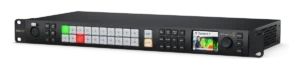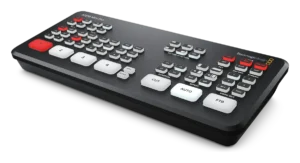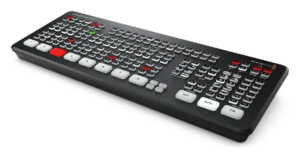
Blackmagic ATEM Mini Extreme Series
Showcaller AI runs an ATEM Mini Extreme or Mini Extreme ISO G2 by voice or chat. It switches eight HDMI inputs and routes the aux outputs. It also handles the four upstream keyers, Super Source, macros, streaming and recording.
Overview
The Blackmagic ATEM Mini Extreme Series with Showcaller
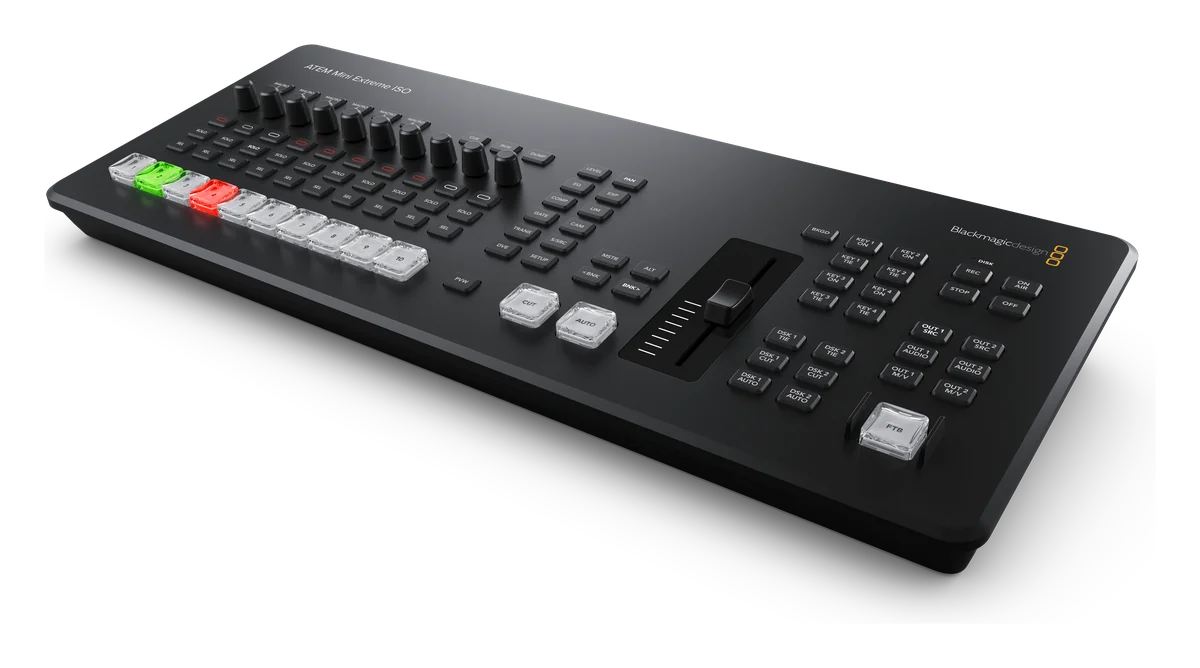
The ATEM Mini Extreme models are Blackmagic Design’s eight-input HDMI switchers. Blackmagic currently lists two: the ATEM Mini Extreme and the ATEM Mini Extreme ISO G2. Both have four upstream keyers, two downstream keyers and a Super Source. They also have a built-in streaming engine and a recorder. Showcaller AI connects to the switcher’s Ethernet port through the Bridge App. Then it runs the switcher by voice or chat. The Blackmagic ATEM integration page lists every function.
Switching eight inputs on an ATEM Mini Extreme
Eight inputs mean more sources to keep track of. First, Showcaller reads the input names set in ATEM Software Control. So you can ask for “Wide” or “Laptop” instead of input 7. In every plan, it cuts, runs an Auto transition or fades to black. It also puts a source on Preview and takes it in one step. Before the take, it sets the transition style and its duration in frames.
Keyers, aux outputs and Super Source
From the Pro plan, Showcaller puts any of the four upstream keyers on or off air. It also sets their fill and key sources, for example on a chroma key per camera. Likewise, it handles the two downstream keyers for lower thirds. It routes sources to the aux outputs: two on the Mini Extreme, four on the ISO G2. In addition, it runs or stops macros recorded on the switcher. With Enterprise, Showcaller arranges the Super Source boxes in one of seven preset layouts. Or it sets one box’s source, position and size. That suits a panel of remote guests, while both main DVEs stay free.
Streaming, recording and Fairlight audio
Showcaller starts and stops the stream and the recorder (Pro). Then it reports whether each is running, and any disk or encoder error. The Mini Extreme records the program to USB-C media. Meanwhile, the ISO G2 also records all eight inputs as separate files, to CFexpress or USB-C. Both use the Fairlight mixer, so the Fairlight functions apply (Enterprise). However, the classic Audio Mixer functions do not. For four-input models, see the ATEM Mini Series page. For full specs, see Blackmagic’s ATEM Mini page.
What you can do
Run the Blackmagic ATEM Mini Extreme Series by voice or chat
Eight inputs by name
Cut, run an Auto transition or fade to black. Put a source on Preview and take it in one step, by the input names set on the switcher. Starter.
Four upstream keyers
Put any upstream or downstream keyer on or off air and set its fill and key sources. Pro.
Aux outputs
Read what an aux output shows or send a new source to it. Two aux outputs on the Mini Extreme, four on the ISO G2. Pro.
Super Source layouts
Arrange the four Super Source boxes in one of seven preset layouts, or set one box's source, position and size. Enterprise.
Stream and record on cue
Start and stop the RTMP/SRT stream and the recorder. Get a report of whether each is running, and of any disk or encoder error. Pro.
Specifications
Blackmagic ATEM Mini Extreme Series at a glance
Video
- Models covered
- ATEM Mini Extreme, ATEM Mini Extreme ISO G2
- Video inputs
- 8 x HDMI type A, 10-bit HD switchable, each with a frame rate and format converter
- Video standards
- Up to 1080p60 (720p, 1080i and 1080p); no Ultra HD
- Outputs
- Mini Extreme: 2 x HDMI, 2 aux outputs. ISO G2: 3 x HDMI, 4 aux outputs
- Keyers and DVE
- 4 upstream keyers (up to 4 advanced chroma keys), 2 downstream keyers, 2 DVEs; DVE transitions only
- SuperSource
- 1, with 4 DVE boxes over a background
- Media and multiview
- 2 media players, 20 stills with fill and key; multiview of up to 16 views
Audio
- Audio mixer
- Mini Extreme: 11 input x 2 channel. ISO G2: 26 input x 2 channel (8 HDMI, 16 MADI, XLR, Thunderbolt). Compressor, gate, limiter and 6-band parametric EQ
- Analog audio
- Mini Extreme: 2 x 3.5 mm stereo in, 3.5 mm out. ISO G2: 2 x XLR combo with phantom power, MADI in, headphone out
Streaming & recording
- Streaming
- RTMP and SRT over Ethernet or a shared internet connection over USB-C
- Recording
- Mini Extreme: program as H.264 .mp4 to USB-C media. ISO G2: 8 HDMI inputs plus program as H.264 .mp4 to CFexpress or USB-C, plus a DaVinci Resolve project file
Control & network
- Ethernet
- Mini Extreme: 10/100/1000 BaseT. ISO G2: 1G Ethernet for streaming, panels and internet, plus 10G Ethernet for recording
- Computer interface
- 2 x USB Type-C 3.1 Gen 1; ISO G2 adds 1 x Thunderbolt
Physical
- Power
- External 12V supply; 36 W (Mini Extreme), 120 W max. (ISO G2)
Specifications from the manufacturer. Check the product page for the current details.
Connection
Connecting the Blackmagic ATEM Mini Extreme Series
- Control protocol
- Blackmagic ATEM network protocol over UDP on your local network, through the Showcaller Bridge App
- What Showcaller needs
- The switcher's IP address. No username or password is needed on the ATEM.
- Network
- Connect the switcher's Ethernet port to the same network as the computer running the Bridge App. On the ISO G2, use the 1G port, which Blackmagic lists for control panels. Blackmagic sets the IP address with ATEM Setup Utility over USB.
- Switcher software
- ATEM software 9.x
- First check
- After connecting, Showcaller runs Get status. It then reads the topology to learn how many keyers, aux outputs and Super Sources this switcher has.
Tool Functions
Everything Showcaller can do with Blackmagic ATEM
The Blackmagic ATEM Mini Extreme Series uses the Blackmagic ATEM integration. Each group shows the plan it is included from.
FAQ
Questions about the Blackmagic ATEM Mini Extreme Series
Does Super Source work on the ATEM Mini Extreme?
Yes, from the Enterprise plan. Showcaller arranges the four Super Source boxes in a preset layout. It can also set one box's source, position and size. Super Source is not available on the four-input ATEM Mini Series.
Can Showcaller route the HDMI outputs on an ATEM Mini Extreme ISO G2?
Yes, from the Pro plan. It reads what each aux output shows and sends a new source to it. Blackmagic lists four aux outputs on the ISO G2 and two on the Mini Extreme.
Can I adjust audio on an ATEM Mini Extreme?
These switchers use the Fairlight mixer. So the Fairlight functions apply (Enterprise): EQ, compressor, gate, limiter and makeup gain per input, plus master EQ and compressor. The classic Audio Mixer functions do not apply.
Does Showcaller start ISO recording?
Showcaller starts and stops the switcher's recorder (Pro). On the ISO G2, the recorder writes each input as its own file, as set up on the switcher.
Is the ATEM Mini Pro covered on this page?
No. The four-input ATEM Mini Pro and Mini Pro ISO have their own page: ATEM Mini Series.
Same integration
Other Blackmagic ATEM models
 ATEM Constellation / TV StudioModel page
 ATEM Mini SeriesModel page
 ATEM SDI SeriesModel page