
MA Lighting grandMA3
Remote control for grandMA3 consoles via OSC UDP commands.
12 Tool Functions · 6 capabilities · 3 supported models
Capabilities
Everything Showcaller can do with MA Lighting grandMA3
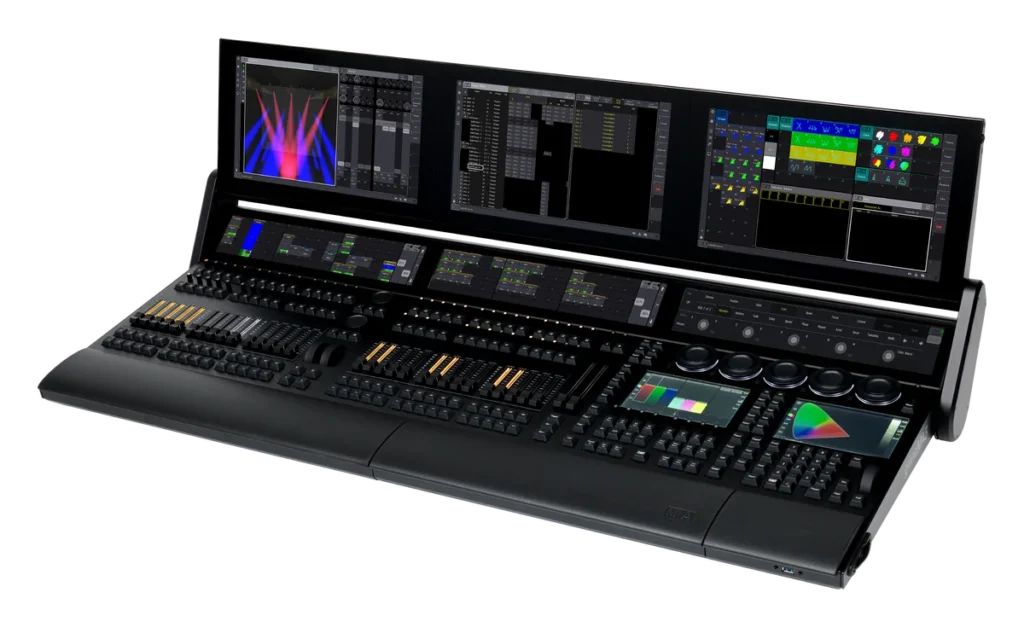
Showcaller AI gives you grandMA3 remote control by voice or chat. So you can fire grandMA3 playback from the same conversation as the rest of the show. Showcaller sends commands to a grandMA3 console or grandMA3 onPC over the network. For example, it can Go on a sequence, jump to a cue, or step forward or back. It can also pause or turn off a sequence, and press Go or Off on an executor. In addition, it can move an executor's master fader, switch executor pages or run a macro.
Badges show the plan a group of Tool Functions is included from. Higher plans include everything below them. Compare plans
How it works
How it works with MA Lighting grandMA3
Showcaller sends these commands through the Bridge App on your show network, using the console's OSC input. However, OSC on the grandMA3 is one-way, because the console does not answer. So Showcaller can confirm that it sent a command, but not that the console acted on it. It says so when it reports back, instead of claiming a cue ran. Showcaller does not read any grandMA3 change back from the console. Keep an eye on the console or the stage for confirmation, as you would with any one-way remote.
For anything the playback functions do not cover, you can use the command line. Showcaller types the command exactly as you would on the console. Command-line use, macros and turning sequences or executors off all need your confirmation first.
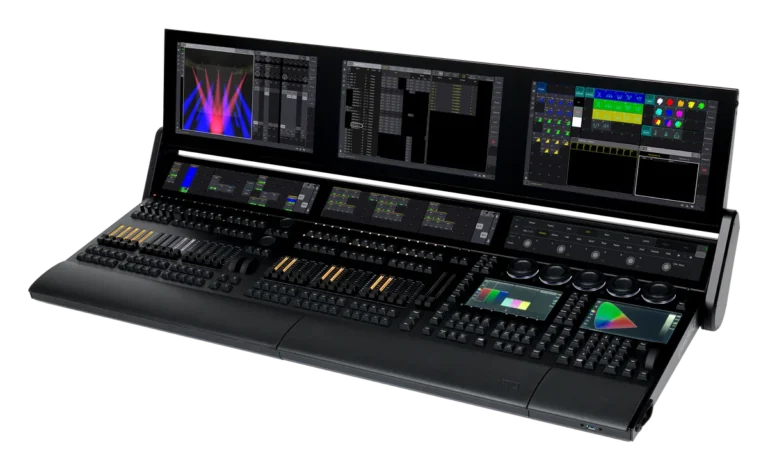
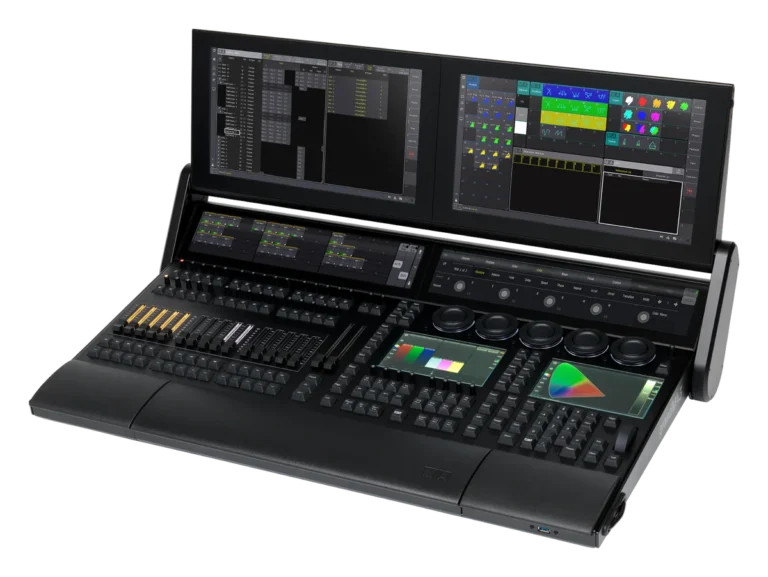
Showcaller supports grandMA3 full-size, grandMA3 light and grandMA3 onPC on software 2.x. You can read about the range on MA Lighting's grandMA3 page. For older consoles, see the MA Lighting grandMA2 integration.
Tool Functions
Every Tool Function for MA Lighting grandMA3
Grouped by capability, with the plan each group is included from. Where the device reports its state, Showcaller reads the change back before calling it done.
Device DiagnosticsStarter1
Check that the bridge can dispatch OSC to the grandMA3 console. OSC is one-way over UDP, so this confirms the bridge can send commands; it cannot confirm console receipt.
- Get statusSends a harmless test message to the grandMA3 console; the console does not reply, so this shows the message was sent, not that it arrived.
Sequence & Cue PlaybackStarter5
Run sequences and step through cues. Perform Go, Go+, Go-, Pause, and Off actions on sequences by number.
- Go minus sequenceSteps a sequence back to its previous cue.
- Go plus sequenceSteps a sequence on to its next cue.
- Go sequenceFires the next cue of a sequence, or jumps straight to the cue number you name.
- Off sequenceTurns a running sequence off.
- Pause sequencePauses a running sequence.
Macro TriggersStarter1
Safely execute pre-recorded grandMA3 macros. Fire macros by number for pre-programmed transitions, palette recalls, or layout switches.
- Run macroRuns one of the console's stored macros by its number.
Executor ControlPro3
Granular playback control of executor buttons and fader levels. Set fader percentages or fire Go and Off actions on specific executors.
- Go executorPresses Go on an executor, chosen by page and executor number.
- Off executorTurns an executor off, chosen by page and executor number.
- Set executor faderMoves an executor's master fader to a level from 0 to 100 percent.
Page ManagementPro1
Manage executor layout focus. Switches the active physical fader/button page on the console.
- Set active pageSwitches the console to another executor page.
Raw Command LineEnterprise1
Full console command-line access. Unrestricted CLI command passthrough to execute any console action directly from the command line.
- Send cmdTypes any command into the console's command line, for anything the other functions do not cover.
Compatibility
Supported models
 grandMA3 FullsizeHardware · v2.xFull-size grandMA3 console playback and CLI command control.
 grandMA3 LightHardware · v2.xgrandMA3 light console playback and CLI command control.
 grandMA3 onPCSoftware · v2.xgrandMA3 onPC playback and CLI command control.

FAQ
Questions about grandMA3 remote control
Which grandMA3 consoles are supported?
Showcaller supports grandMA3 full-size, grandMA3 light and grandMA3 onPC. They must run grandMA3 software 2.x.
What do I need to set up on the console?
First, open Menu > In & Out > OSC on the console. Enable an OSC data line for input and switch "Receive Command" on. Leave the OSC prefix empty. Then give Showcaller the console's IP address and that line's port, which is 8000 by default. Finally, run the Showcaller Bridge App on a computer on the same network.
Which plan includes which Tool Functions?
Starter includes Device Diagnostics, Sequence & Cue Playback and Macro Triggers (7 Tool Functions). Pro adds Executor Control and Page Management (4 more). Enterprise then adds the Raw Command Line (1 more). Each plan includes every Tool Function of the plans below it.
Does Showcaller confirm that a cue ran?
No. The grandMA3 does not reply to OSC commands. So Showcaller confirms that it sent the command, not that the console acted on it. This is different from most Showcaller integrations, where Showcaller reads changes back from the device.