
Yamaha Mixer
Native RCP/SCP integration for Yamaha CL, QL, Rivage PM, DM3, and DM7 digital mixing consoles.
27 Tool Functions · 7 capabilities · 5 supported models
Capabilities
Everything Showcaller can do with Yamaha Mixer
Showcaller AI gives you Yamaha mixer remote control over the network, by voice or chat. It works with Yamaha CL, QL, Rivage PM, DM3 and DM7 consoles. For example, you can mute the audience mic between questions. Then you can bring the panel up or push the presenter into the in-ear mix. You can also ride a DCA or recall the scene for the next session.
Badges show the plan a group of Tool Functions is included from. Higher plans include everything below them. Compare plans
How it works
How it works with Yamaha Mixer
Showcaller connects to the console through the Bridge App on your show network. Because it speaks Yamaha's own remote control protocol, the console needs no login. It controls input mutes and faders, the main stereo master and the Mix bus masters. It also rides the Matrix masters and sets each input's send to a Mix bus, in level and on/off. On top of that, it handles DCA groups and, on CL and QL consoles, scene recall. See the CL series and DM7 series pages for model details.
Showcaller reads every change back from the console before it reports it done. So "done" means the desk agrees. A scene recall replaces the whole live console state. For that reason, Showcaller asks you to confirm it first. It can also tell you which scene you recalled last.
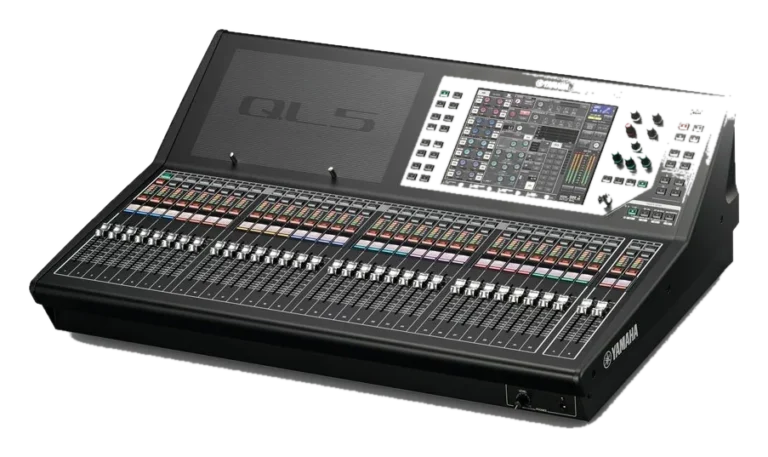
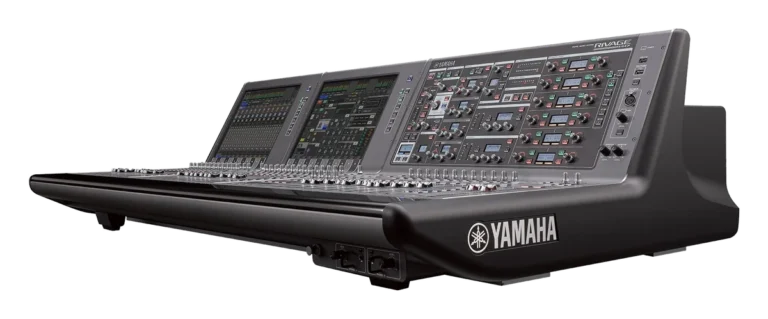
Some functions depend on the console. The DM3 has no DCA groups, so Showcaller does not offer DCA control on it. Scene recall works on CL and QL only, not on Rivage PM, DM3 or DM7. Showcaller supports the CL series (CL1, CL3, CL5) and the QL series (QL1, QL5). It also supports the Rivage PM, DM3 and DM7 series.
Tool Functions
Every Tool Function for Yamaha Mixer
Grouped by capability, with the plan each group is included from. Where the device reports its state, Showcaller reads the change back before calling it done.
Device DiagnosticsStarter1
Confirm your Yamaha console is online and answering on the network before the show starts. A single probe verifies the RCP link end to end.
- Get statusCheck that the Yamaha console is answering by reading back whether its main stereo output is on.
Channel Fader & MuteStarter4
React instantly during live events: mute a rogue microphone or ride a specific input fader on the Yamaha console without touching the surface, with read-back of the live state.
- Get input faderRead an input channel's fader level, in dB.
- Get input muteRead whether an input channel is on or muted.
- Set input faderSet an input channel's fader level, in dB.
- Set input muteMute or unmute an input channel.
Main & Mix OutputsStarter8
Command the master output of the event and every monitor world. Ride the Main Stereo fader, hit the main mute during changeovers, and level Mix bus masters for talent feeds.
- Get main faderRead the main stereo master fader level, in dB.
- Get main muteRead whether the main stereo output is on or muted.
- Get mix faderRead the master fader level of a Mix bus, in dB.
- Get mix muteRead whether a Mix bus output is on or muted.
- Set main faderSet the main stereo master fader level, in dB.
- Set main muteMute or unmute the main stereo output.
- Set mix faderSet the master fader level of a Mix bus, such as a monitor or in-ear mix, in dB.
- Set mix muteMute or unmute a Mix bus output.
Matrix OutputsPro4
Manage zone, delay, broadcast, and recording feeds from the dashboard. Showcaller rides and mutes Matrix masters on Yamaha consoles that expose them.
- Get matrix faderRead the master fader level of a Matrix output, in dB.
- Get matrix muteRead whether a Matrix output is on or muted.
- Set matrix faderSet the master fader level of a Matrix output, in dB.
- Set matrix muteMute or unmute a Matrix output.
Mix SendsPro4
Build and tweak complex monitor and effects routing remotely — set how much of each input feeds a Mix bus and enable or disable individual sends, all from the dashboard.
- Get input send onRead whether an input channel's send to a Mix bus is switched on.
- Get input send to mixRead how much of an input channel is being sent to a Mix bus, in dB.
- Set input send onSwitch an input channel's send to a Mix bus on or off.
- Set input send to mixSet how much of an input channel is sent to a Mix bus, such as a monitor wedge or in-ear mix, in dB.
DCA GroupsPro4
Simplify large-scale mixing: ride or mute whole groups of sources with a single DCA command during the show, with read-back of the live DCA state.
- Get DCA faderRead a DCA group master fader level, in dB (not available on the DM3, which has no DCA groups).
- Get DCA muteRead whether a DCA group is on or muted (not available on the DM3, which has no DCA groups).
- Set DCA faderSet a DCA group master fader level, in dB (not available on the DM3, which has no DCA groups).
- Set DCA muteMute or unmute a DCA group (not available on the DM3, which has no DCA groups).
Scene RecallEnterprise2
Transition perfectly between show segments: recall a stored console scene in an instant from the dashboard on Yamaha CL and QL consoles.
- Get current sceneRead which stored scene the console last recalled and, when the console reports it, whether the mix has changed since (CL and QL only; not available on Rivage PM, DM3 or DM7).
- Recall sceneRecall a stored scene, replacing the whole live console state (CL and QL only; not available on Rivage PM, DM3 or DM7).
Compatibility
Supported models
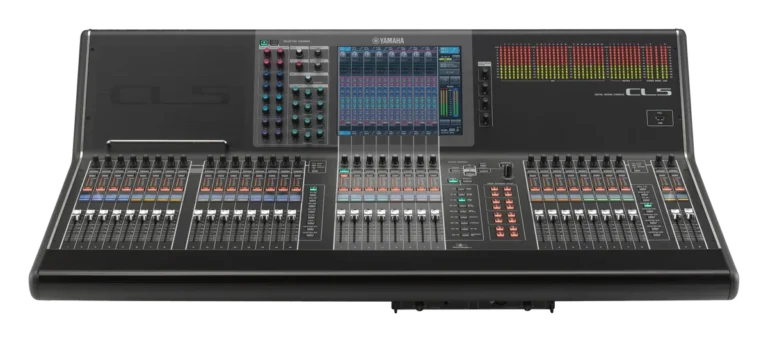
 Yamaha CL SeriesHardware · CLNative RCP control for Yamaha CL1, CL3, and CL5 live consoles.
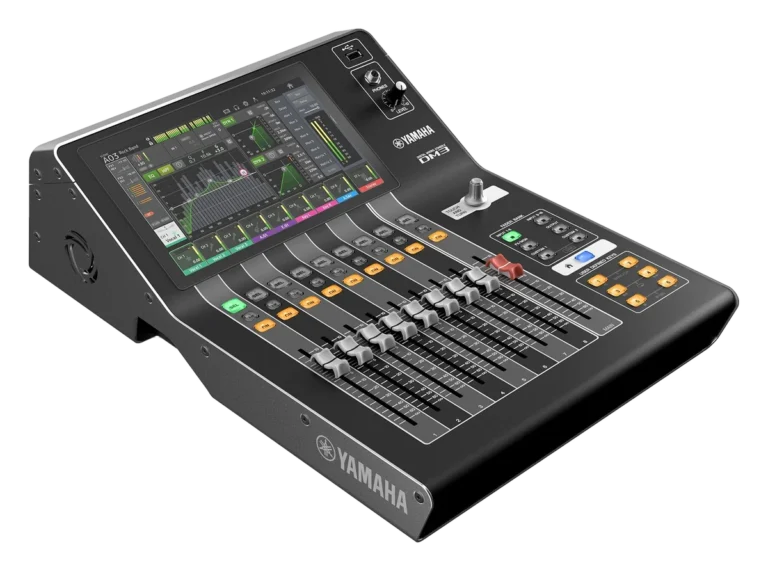
 Yamaha DM3 SeriesHardware · DM3RCP control of the compact Yamaha DM3 digital console.
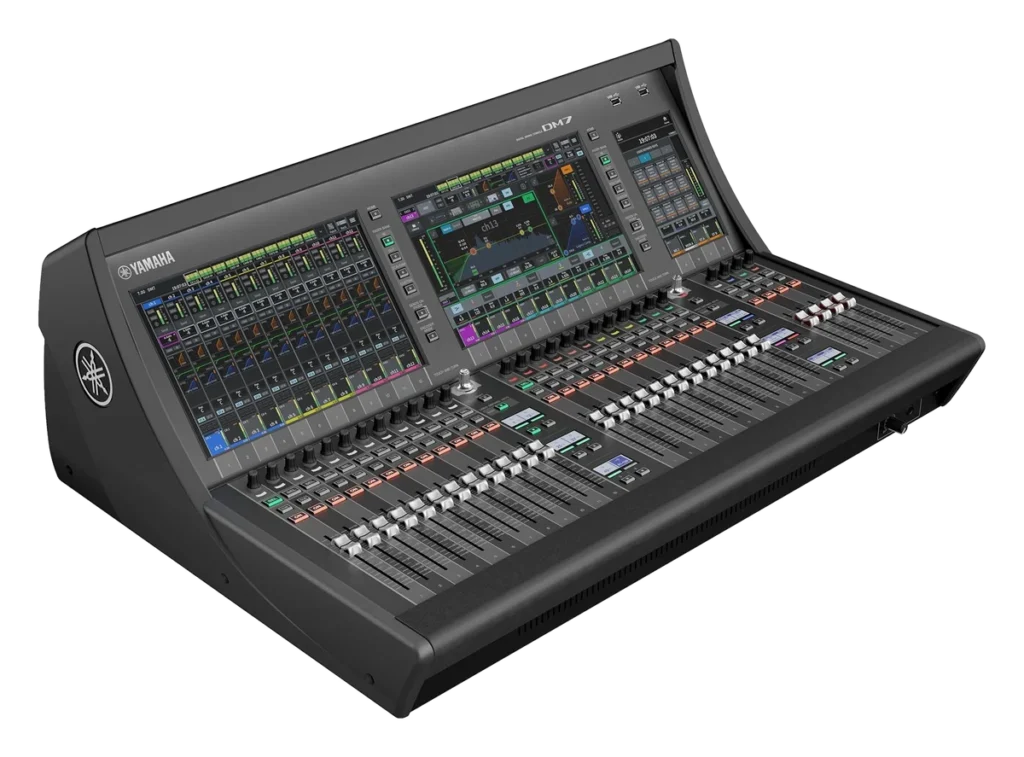
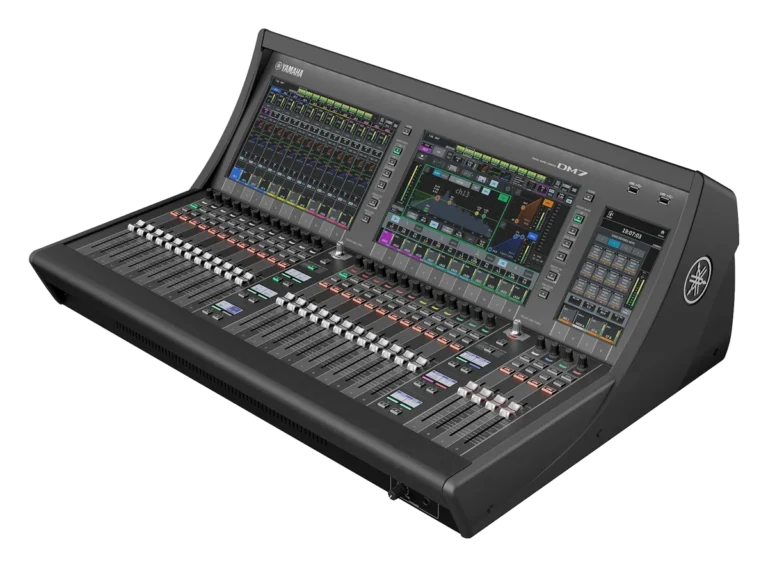
 Yamaha DM7 SeriesHardware · DM7RCP fader, mute, send, and DCA control for Yamaha DM7 consoles.
 Yamaha QL SeriesHardware · QLAI-driven RCP control of Yamaha QL1 and QL5 consoles.
 Yamaha Rivage PM SeriesHardware · Rivage PMRCP fader, mute, send, and DCA control for Yamaha Rivage PM systems.
FAQ
Questions about Yamaha mixer remote control
Which Yamaha consoles are supported?
Showcaller supports the CL1, CL3 and CL5, plus the QL1 and QL5. It also works with the Rivage PM series, the DM3 series and the DM7 series.
What do I need to connect the console?
You need the console's IP address and the console series. Every supported console uses TCP port 49280. You also need the Showcaller Bridge App on a computer on the same network. The console needs no login.
Which plan includes which Tool Functions?
Starter includes Device Diagnostics, Channel Fader & Mute, and Main & Mix Outputs (13 Tool Functions). Pro adds Matrix Outputs, Mix Sends and DCA Groups (12 more). Enterprise then adds Scene Recall (2 more). Each plan includes every Tool Function of the plans below it. See pricing for the plans.
Can Showcaller recall scenes on a Rivage PM, DM3 or DM7?
Not yet. Scene recall works on CL and QL consoles only.
Does Showcaller confirm every change?
Yes. Showcaller reads every change it makes on a Yamaha console back from the console. When the values do not match, it tells you.